Email Validation
Route: /email-headers
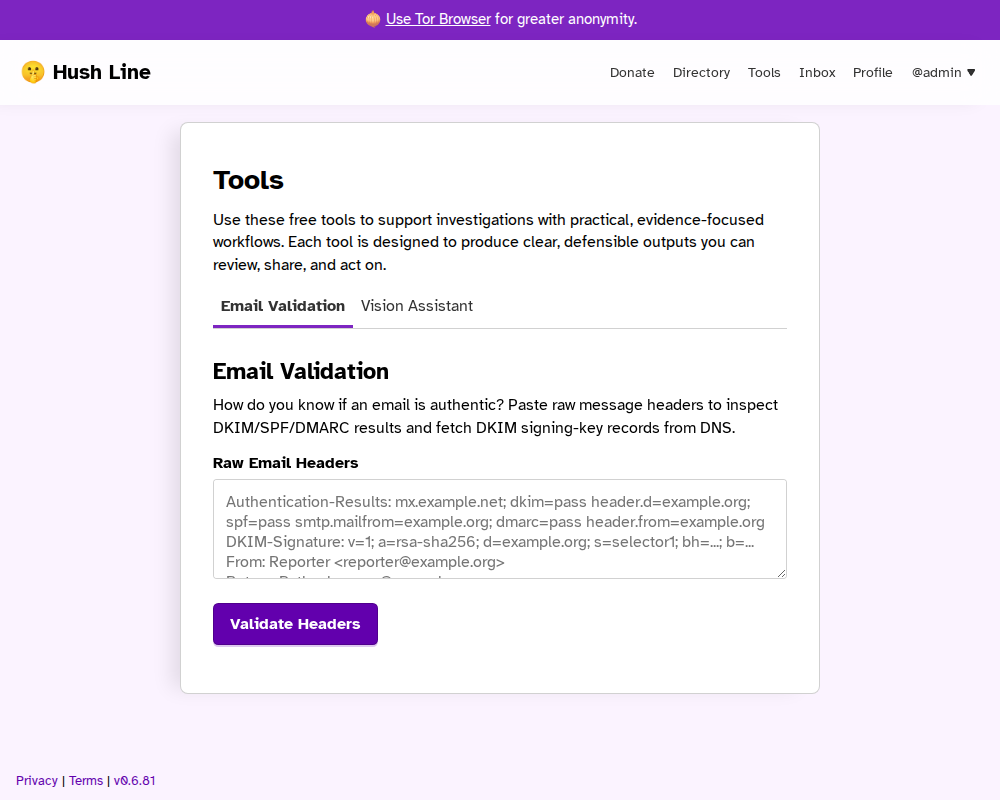
Paste raw email headers and Hush Line analyzes available authentication artifacts to help determine whether an email appears to originate from the stated sender.
What It Checks
- Authentication results present in headers (SPF, DKIM, DMARC)
- Domain alignment signals between sender and related headers
- DKIM signing-key DNS lookups when selector/domain tags are available
On-screen Results
After validation, the tool renders these sections:
Validation Summary: headline plus reasons explaining why the result looks valid, appears inauthentic, or likely forgedChain of Trust: whether a DKIM key is currently advertised in DNS and whether the DNS answer was DNSSEC-validatedHeader Context: From / Return-Path / Reply-To domains plus alignment checksAuthentication-Results: parsed DKIM/SPF/DMARC outcomes from pasted headersDKIM Signatures: parsed signing domains, selectors, algorithms, and signed header listDKIM Key Lookup: DNS lookup outcome for each detected selector/domain pairWarnings(when present): conditions that reduce confidence and need caution
Each section includes a Summary block that explains how to interpret the findings, not just restates them.
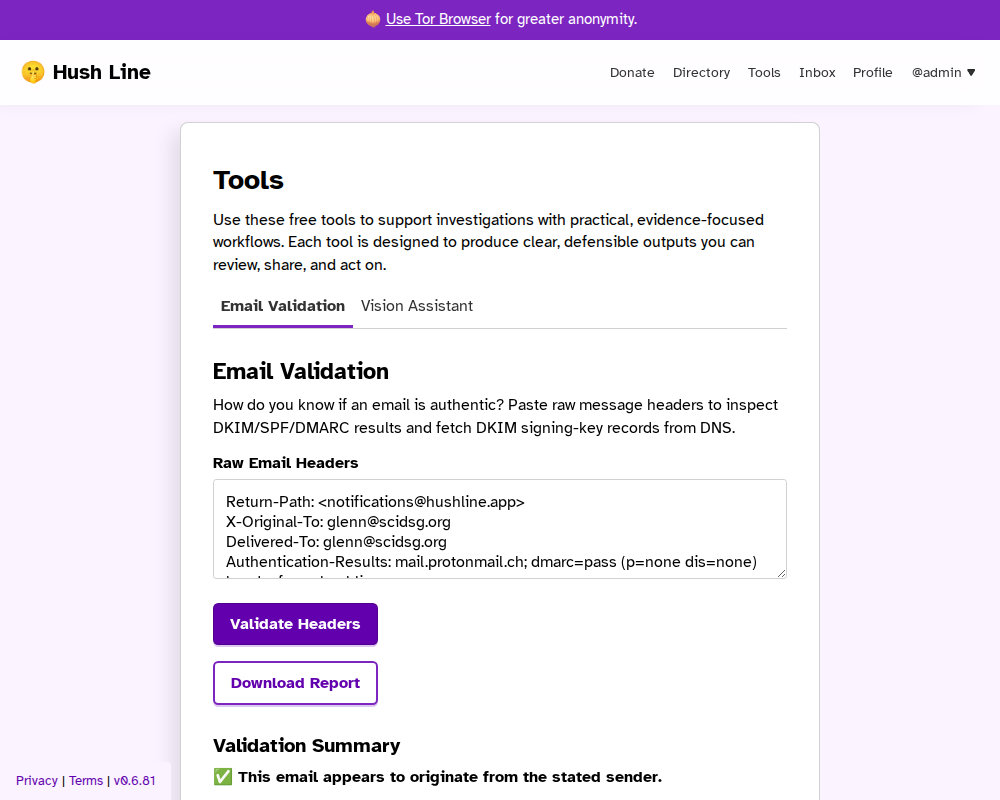
Authentic Email Example
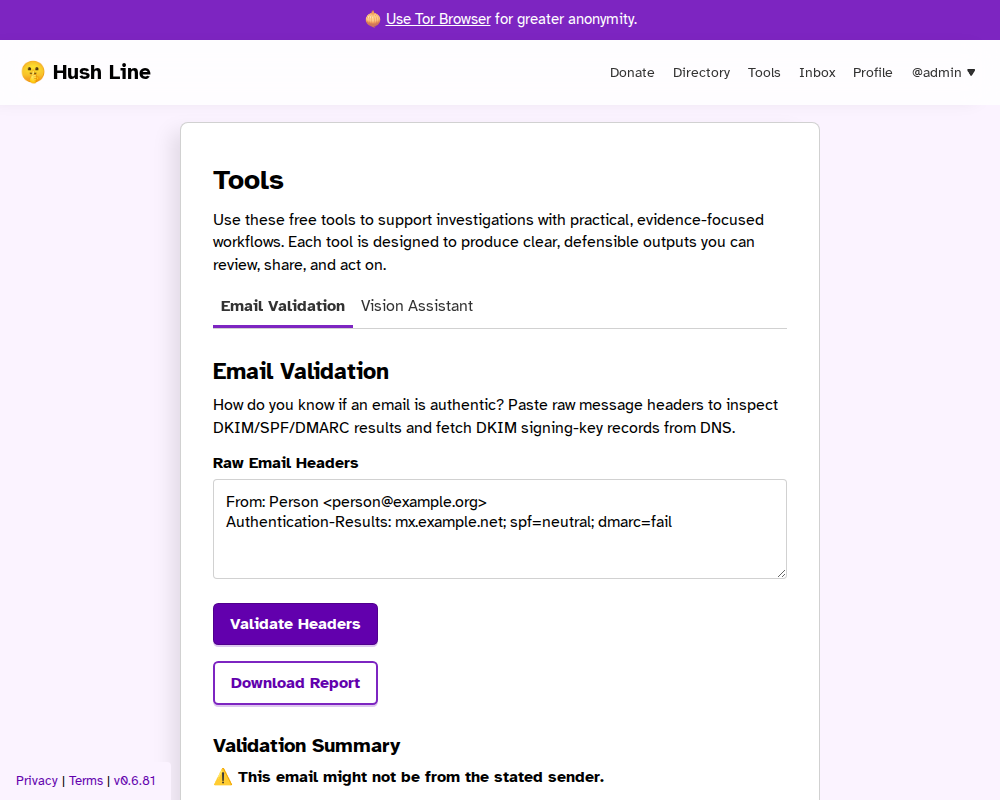
Inauthentic Email Example
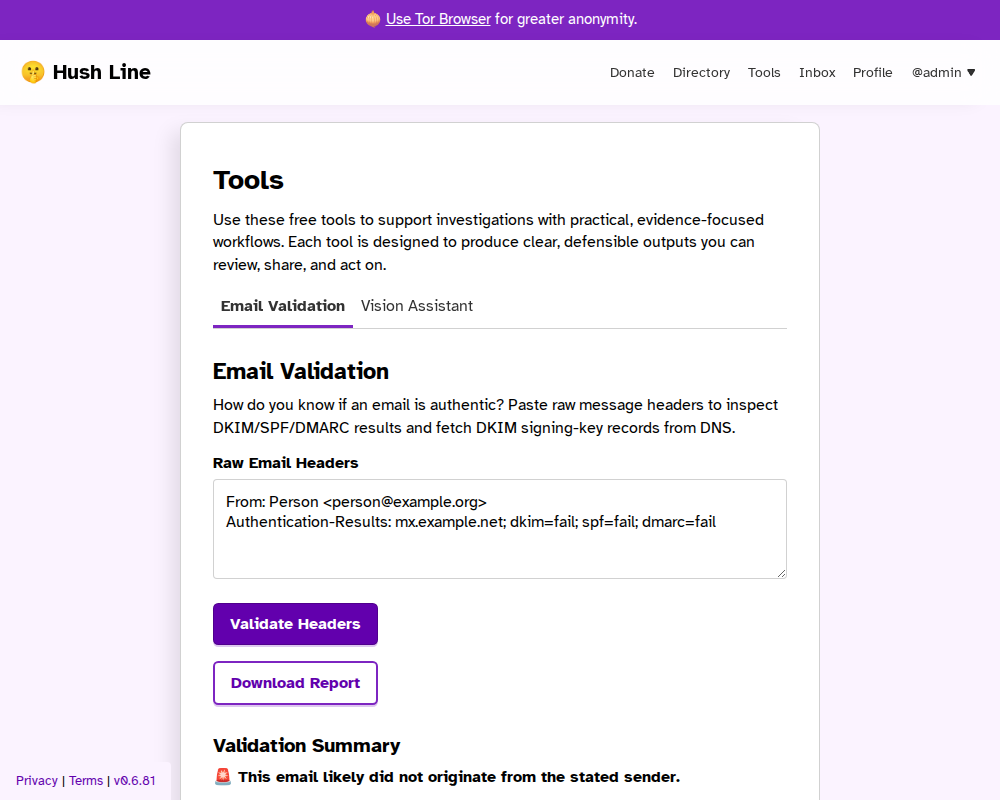
Forged Email Example
Report Download
After analysis, you can download a ZIP report package that includes:
- PDF report with the same major sections shown on the site
- Structured JSON output
- Raw headers
- DKIM key lookup artifacts (when available)
- Checksums for integrity verification
When a DKIM DNS lookup fails, the DKIM key artifact includes the lookup error so evidence consumers can see what failed.
Notes
- Header analysis improves confidence but cannot prove authenticity on its own.
- The visible
Fromheader is not the SMTP envelope sender (MAIL FROM), and envelope sender data is often unavailable in pasted headers. - Some providers can DKIM-sign the visible
Fromheader without proving mailbox ownership. - Forwarding, mailing lists, partial headers, and key rotation can affect results.